When your PC slows down or isn’t behaving, the right repair software can restore stability and boost performance. This guide highlights five practical options suited for different buyers: busy professionals needing automatic fixes, tech enthusiasts seeking deep cleaning, and users needing versatile boot and recovery tools. Each product is described with who it’s best for, why it’s selected, and any notable caveats to consider.
Summary table of chosen products
| Product | Best For | Key Benefit |
|---|---|---|
| iolo System Mechanic | General PC users wanting automated repairs | Automatic fixes and security patches |
| WinOptimizer 28 | Users needing deep registry and system optimization | Fast, comprehensive optimization |
| 5-in-1 Win Repair & Reinstall USB | Repair and recovery on multiple devices | Bootable toolkit for Windows repair |
| Ralix Reinstall DVD | Windows reinstall and boot repair | Factory-default reinstallation |
| DriverUpdater | Driver-related stability improvements | Automated driver updates |
iolo System Mechanic: Automatic PC Repair And Speed-Up

The iolo System Mechanic package focuses on repairing more than 30,000 issues via intelligent live updates. It also protects by wiping sensitive browsing data and patching Windows vulnerabilities. This makes it well suited for users who want a set-it-and-forget-it solution that maintains stability and guards privacy. It’s best for busy professionals or everyday users who prefer automated maintenance over manual tweaks.
Who this is best for: users who want automated repairs and ongoing protection with minimal manual intervention. Why selected: broad scope of repairs and automated maintenance actions that help keep the PC clutter-free and stable. Caution: the effectiveness depends on ongoing updates from iolo Labs and the specific system configuration.
WinOptimizer 28: Comprehensive System Tuning

WinOptimizer 28 emphasizes control, security, and speed. It markets itself as a thorough system optimizer, with claims of reducing crashes and delivering faster performance through advanced registry cleaning. It’s best for users who want a robust set of optimization tools and clear, fast fixes for persistent errors that affect daily use.
Who this is best for: power users who want deep optimization capabilities and fast cleanup. Why selected: strong emphasis on registry optimization and stability. Caution: claims about speed improvements may vary by system and usage patterns.
5-in-1 Win Repair & Reinstall USB Drive

This bootable USB toolkit supports Windows repair, virus removal, password resets, data recovery, and boot error fixes. It’s ideal for IT professionals or tech-savvy users who need a portable, self-contained repair environment that works on most Windows PCs, including Surface devices. It can be customized by adding or upgrading tools for specific scenarios.
Who this is best for: technicians or power users looking for a versatile, on-the-go repair toolkit. Why selected: combines multiple essential recovery tools into one bootable drive. Caution: depends on proper boot media creation and may require familiarity with ISO tools.
Ralix Reinstall Windows DVD: Boot and Restore
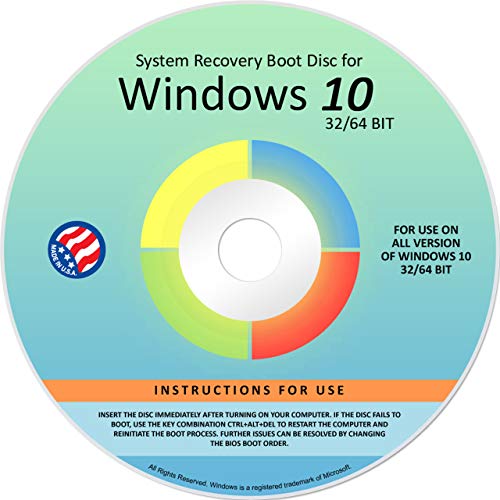
The Ralix Windows Reinstall DVD provides a way to repair, recover, restore, and reinstall Windows across versions. It is described as suitable for many computer brands and models, with a focus on restoring Windows to factory defaults when other repair attempts fail. It is best for users who need a straightforward reinstallation option when Windows won’t boot normally.
Who this is best for: users needing a complete reinstall option when system boot issues persist. Why selected: broad Windows version support and a dedicated bootable disc. Caution: does not include a product key; a valid license is still required for activation.
DriverUpdater: Automated Driver Management
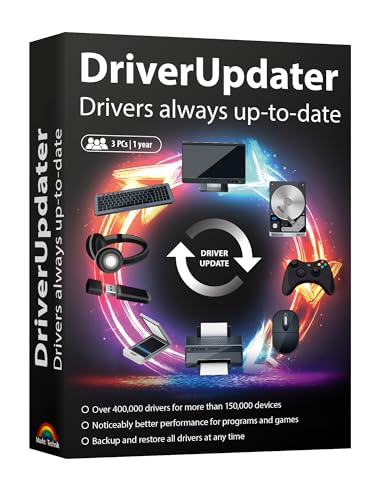
DriverUpdater focuses on updating Windows drivers to improve stability and performance. It highlights benefits such as smoother game performance, faster startup, and reliable peripheral function. This is best for users who suspect driver issues or who want to keep hardware drivers up to date without manual searching. It warns that outdated drivers can cause instability, and this tool aims to mitigate that risk.
Who this is best for: users experiencing peripheral glitches or slow software startup due to driver issues. Why selected: targeted driver updates can resolve stability and performance problems. Caution: driver update actions should be compatible with the system and not disrupt existing software setups.
Buying Guide: How To Choose The Right PC Repair Software
- What is your primary goal? If you want automatic maintenance and privacy protection, consider a solution like iolo System Mechanic. If you need deep system optimization and fast fixes, WinOptimizer 28 might fit best.
- Do you need bootable recovery tools? For on-the-go repair or recovery without an operating system, a bootable USB or DVD like the 5-in-1 Win Repair USB or the Ralix DVD is ideal. Ensure you have necessary licenses and compatible hardware.
- Are driver issues a major concern? If drivers are the root cause of instability, DriverUpdater can help by automating updates to improve compatibility with peripherals and games.
- What is your experience level? Beginner users benefit from automated features and guided steps. Advanced users may prefer tools that offer more granular control over repairs and customization.
- Device compatibility and licenses Check that the software supports your Windows version and hardware. Some tools require ongoing subscriptions or licenses to receive updates.
- Limitations to expect No single tool fixes every issue. Repairs depend on the tool’s database, user action, and system specifics. Bootable tools require proper creation and sometimes BIOS/UEFI settings adjustments.
Frequently Asked Questions
- What is PC repair software? Software designed to diagnose, repair, optimize, and sometimes recover Windows PCs from common issues and performance problems.
- Can these tools replace professional tech support? They provide maintenance and recovery options but are not a substitute for professional support in complex hardware or network problems.
- Is a bootable USB or DVD necessary? It’s necessary if you need to repair Windows when the operating system won’t boot or if you require offline tools for recovery.
- How often should I run maintenance tasks? Regular automated maintenance is recommended, with manual checks during troubleshooting of specific issues or after a major software change.
- Do these tools affect data security? Some tools include privacy features like history cleaning, but always back up important data before performing major repairs or reinstallation.
- Are driver updates safe? Reputable drivers are vetted by the tool, but compatibility should be checked, especially for critical peripherals and enterprise systems.